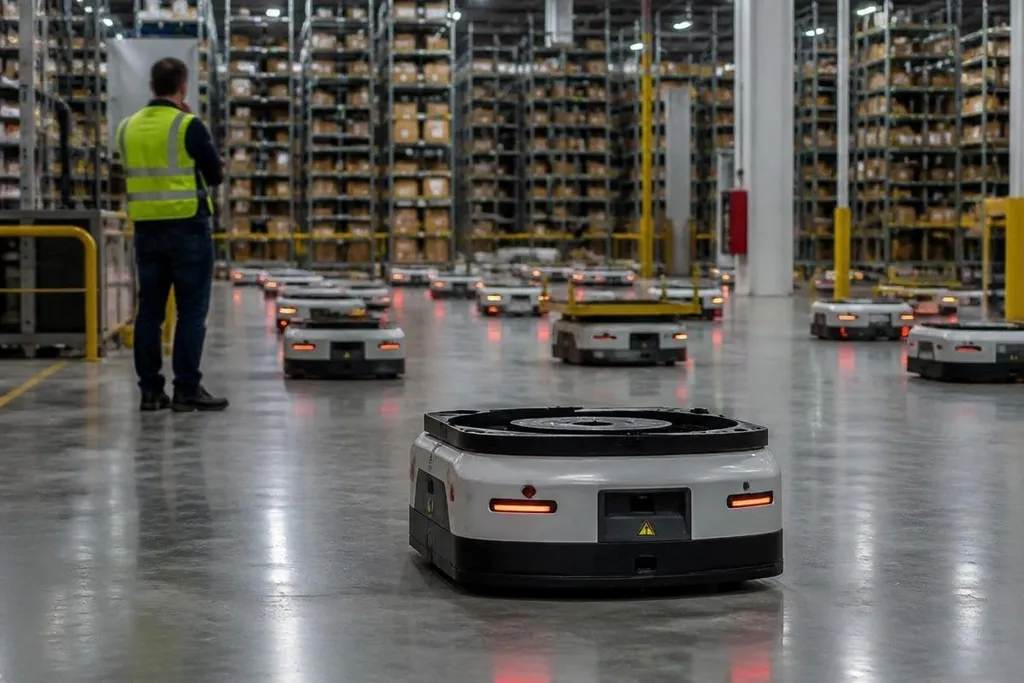
A software update can change how a robot plans routes, reads sensors, or talks to its control system. If the new code fails, one machine may stop, but a shared update can affect many robots before anyone reaches the work floor.
- A remote update can change motion, safety, or network behavior.
- A failed update needs a tested rollback path.
- Fleet size matters less than how the update is released.
How one bad update spreads
Most connected robots depend on several software layers.
The robot may run firmware on its motor controllers, a robot operating system, navigation software, and a fleet tool that sends tasks. An update to any one layer can change how the others behave.
The risk grows when a company sends the same package to every robot at once. A small error then repeats across the fleet. Robots may stop before starting a task, lose contact with the fleet server, report false sensor faults, or move with the wrong limits.
The failure may also appear far from the code that caused it. A new camera driver can change the data sent to navigation software. That software may then reject a route, even though the route planner itself was not changed.
Why recovery takes more than a restart
A restart clears a temporary fault. It doesn't fix code that fails each time the robot boots. Recovery needs a known working version, a way to install it, and enough access to the robot when its main software cannot run.
That last part matters for machines in warehouses, hospitals, farms, and other places where physical access may be slow or unsafe. A robot with a failed update may sit in a charging area, block a shared route, or need a technician to connect directly to its service port.
A sound update system keeps the old version available until the new one passes checks. It can also stop a rollout after a small group receives the package. That gives the operator time to check boot status, sensor readings, network links, and task results before the rest of the fleet changes.
I'd treat remote updates as a safety feature only when rollback has been tested on the exact robot and software setup.
Checks before rollout
Robot managers need more than a download button. They need proof that the update process can handle a failed install, a lost network link, and a robot that cannot reach its normal control screen.
The cost of a failed update is measured in idle machines, not download time. Robot24.com robotics coverage can place a software change beside the named robot and company involved before the plan moves to recovery steps.
A useful update plan should answer these questions:
- Release group: Which robots get the update first, and who can stop the rollout?
- Version record: Can the team see the exact software version on every robot?
- Rollback path: Can a failed robot return to its last working version without the fleet server?
- Local access: Is there a service port, recovery image, or safe manual mode?
- Health checks: What readings must stay normal after the update?
- Incident log: Can the team record the fault, affected robots, and recovery steps?
Ask how the vendor signs update packages and checks them before installation. A signature helps confirm that the file came from the expected source and was not changed in transit. It does not prove that the code works on your robot.
Ask for the failure plan in writing. The answer should cover a lost connection during installation, a low battery, a robot that will not boot, and a fleet server that has the wrong version record.
Also ask how the vendor separates robot types, sites, and software versions. A package that works on one hardware revision may fail on another if the sensors, motor boards, or storage layout differ.
A practical decision guide
Before approving a fleet-wide update, check these points:
- Keep one robot on the old version until the new version passes its checks.
- Test recovery with the network disconnected.
- Confirm that the robot can stop safely if its main task software fails.
- Record the software version, battery state, and hardware revision.
- Set a person and a time window for watching the first release group.
A bad update doesn't have to disable thousands of robots to become an expensive event. If the first release group has no working rollback, the next group is a decision made without the information needed to protect the fleet.